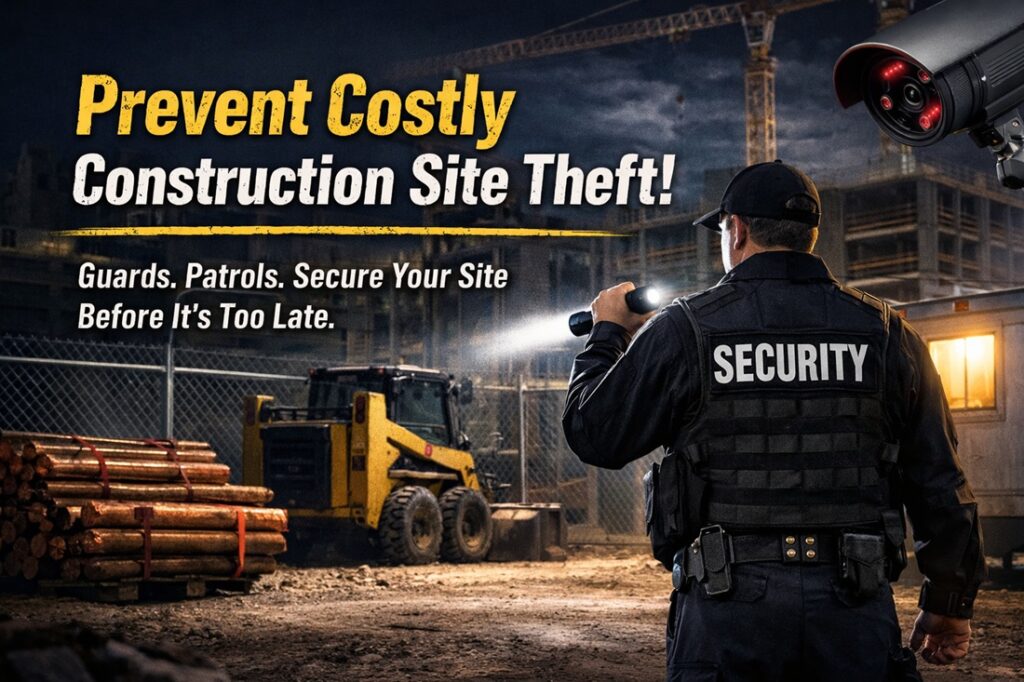

People look for different ways to protect their camera systems, especially in places that rely on an expert security detail to keep everything running smoothly. Most of the work comes down to a mix of digital upkeep and daily habits that help keep intruders from slipping into the system unnoticed. The right approach usually depends on how the cameras are set up, who uses them, and how often the equipment gets checked, but a few steady practices tend to make a real difference in keeping unwanted access out.
Update Firmware Regularly
Camera firmware needs regular attention because it’s often the first place manufacturers patch problems that attackers might try to exploit. Checking for updates once a month is usually sufficient for most setups, although some systems notify users automatically when new versions become available. Installing updates helps close gaps before they become actual risks. People sometimes delay this step, but staying current reduces the chances of someone taking advantage of outdated software. Making it part of a routine keeps the system more stable and safer in the long run.
Use Strong Passwords
A surprising number of break-ins happen because the system uses a simple password. Swapping out predictable choices for something harder to guess makes an immediate difference. Many users create longer phrases that mix characters in a way they’ll still remember without writing them down. It helps to avoid anything tied to personal details, as those are often easily found. Some people use a password manager so that each device has its own unique login, rather than sharing a single login across the entire setup. Updating passwords occasionally adds another barrier for anyone trying to slip in unnoticed.
Enable Two-Factor Authentication
Adding a second step to the login process makes access much harder for anyone who doesn’t belong there. Even if someone figures out the password, they still need the temporary code or device linked to the account. This extra layer takes only a few seconds during login, but greatly narrows the chances of unauthorized entry. It’s one of those features that people quickly get used to, and it often becomes something they rely on without even thinking about it. The idea is simple but effective: even if one piece of information leaks, the system still has a safeguard.
Secure Network Connections
A camera is only as safe as the network carrying its data. Using encrypted connections keeps footage from being intercepted while it’s sent between devices. Many users set unique passwords for both their cameras and routers to avoid shared credentials that weaken the system. Keeping routers and connected equipment updated helps close potential gaps that attackers try to target. Some people choose to run their cameras through a VPN to establish a more secure and private channel. Monitoring the network for unusual patterns can also catch trouble early, especially if someone tries to break in repeatedly.
Limit Access Permissions
Not everyone who watches the system needs full control over it. Assigning different levels of access allows some users to view footage without modifying the settings. This makes it harder for an unauthorized person to slip in unnoticed or tamper with the setup. It is helpful to revisit permissions whenever staff change roles or when old accounts are no longer in use. Trimming down access keeps the system cleaner and reduces the number of possible entry points.
Monitor System Activity
Keeping an eye on logs and camera behavior helps spot issues before they escalate. Sudden login attempts from unusual locations or unexpected changes in settings often indicate that someone is attempting to test the system. Some people review these logs as part of their weekly routine, while others set up alerts to notify them when something appears to be off. Staying attentive to these small signs can prevent a bigger problem later.
Related Topics: