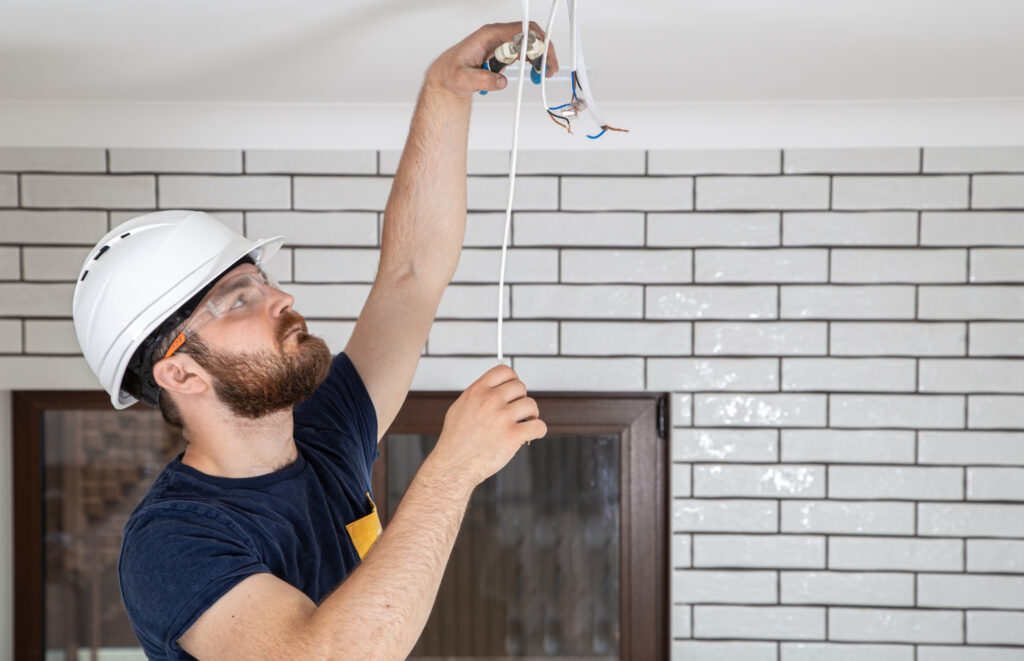
Learning how to install security camera wiring can seem overwhelming for first-time installers. This guide breaks down the process into simple steps that anyone can follow. You’ll need basic tools like a power drill, fish tape, and wire strippers to get started. A trusted security guard company in San Jose often recommends proper wiring techniques to maximize camera effectiveness. We’ll cover everything from planning placement to testing your connections.
Tools Needed for Installation
You’ll need several basic tools for this project. A power drill with bits helps create holes for wiring. Fish tape pulls wires through walls and tight spaces. Cable and voltage testers check your work. Wire strippers remove insulation from cables. A crimping tool attaches connectors securely. Keep a flashlight and ladder handy for hard-to-reach spots. Having the right tools makes the job much easier.
Understanding Camera Wiring Basics
Security cameras use two main types of cables: power and video. The power cable brings electricity to your camera through either a plug-in adapter or a PoE (Power over Ethernet) system. Video cables, typically twisted pair cables with BNC connectors, carry the camera’s signal to your recording device or monitor. Good cable management prevents interference and keeps your signal clear. Always follow the manufacturer’s instructions when making connections to avoid damaging your equipment. Getting these fundamentals right sets you up for a successful installation.
Planning Camera Placement
Smart camera placement starts with studying your property’s layout and identifying areas that need monitoring. Look for entry points, high-traffic zones, and potential blind spots that criminals might use. Mount cameras 8-10 feet high to capture faces clearly while keeping the units out of easy reach. Make sure each camera has a clear view without obstacles like tree branches or direct sunlight creating glare. Consider each camera’s viewing angle and adjust positioning to cover the largest area possible. Place cameras where tampering is difficult to maintain system security.
Running Wires Safely and Neatly
Plan your wire routes carefully before drilling any holes. Avoid areas with high-voltage electrical lines, sharp edges, or moving parts that could damage cables over time. Use cable clips or staples to secure wires along their path, but don’t overtighten them. When wires must pass through walls or ceilings, install protective conduits to shield them from damage. Label both ends of each cable to make future maintenance easier. Organized, well-secured wiring not only looks professional but also prevents safety hazards and system failures.
Connecting Wires to a Power Source
Before making any electrical connections, turn off the power to the outlet you’ll be using. Identify your power supply unit and strip enough insulation from the wires to make solid connections. Connect the positive wire (usually red) from your camera to the positive terminal on the power supply, and the negative wire (usually black) to the negative terminal. Use proper wire connectors or soldering for reliable joints. Secure all connections neatly and double-check your work before turning the power back on. Proper connections prevent system failures and potential fire hazards.
Testing and Troubleshooting Connections
Test each connection using a multimeter set to continuity mode. Touch one probe to the positive terminal at the power source and the other to the positive terminal at the camera. A steady beep or zero reading means you have a good connection. Repeat this test for negative terminals. If you don’t get continuity, check for loose connections, damaged insulation, or incorrect wiring. Make sure all connections are tight and there are no short circuits. Taking time to test thoroughly now saves headaches later and helps your system run reliably for years.
Related Topics: