
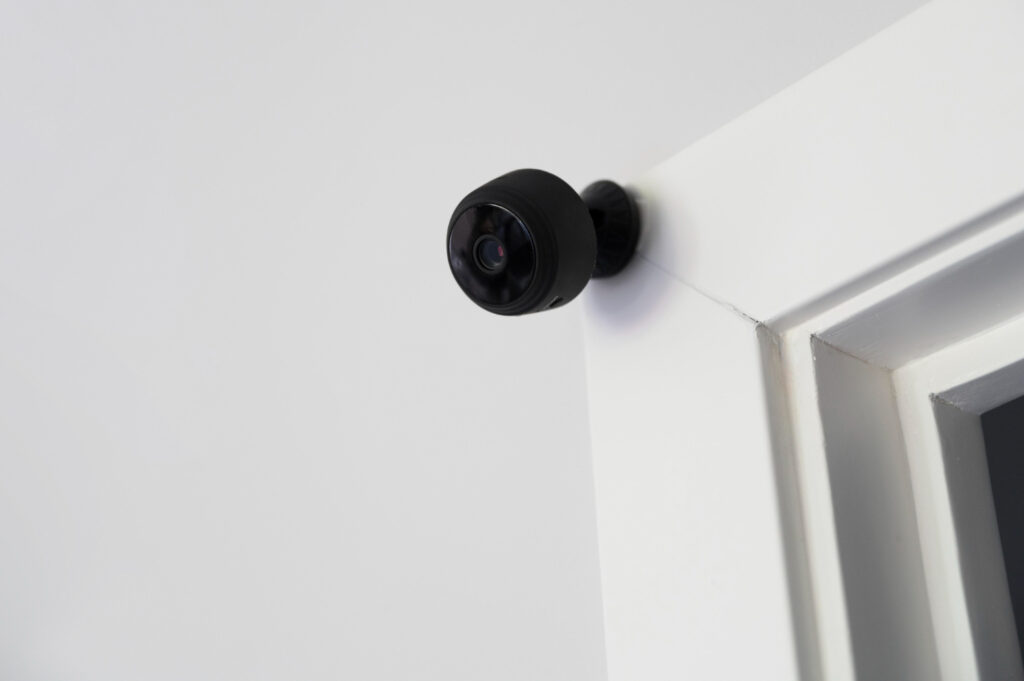
Understanding how long surveillance cameras store videos depends on several key factors that property owners need to consider. Video storage time varies based on your camera settings, storage capacity, and recording method choices. Various factors, including video quality, motion detection settings, and storage type, all play important roles in determining retention periods. This guide covers the main elements that affect how long your security footage stays available for review. These considerations are particularly important for local private security guards managing multiple surveillance systems.
Storage Capacity
Storage capacity directly determines how much video footage you can keep before older files get deleted or overwritten. The amount depends on your camera count, video quality, and how long you want to keep recordings. A typical 1080p camera records about 2.5GB per hour of footage. With ten cameras running for 30 days, you’d need roughly 75TB of storage space. Motion detection and scheduled recording can significantly reduce these storage needs. Understanding your storage requirements helps prevent the loss of important footage and keeps your system running smoothly.
Video Quality Settings
Video quality settings control how clear your footage looks and how much storage space it uses. Higher resolutions like 1080p or 4K produce sharper images but eat up more storage quickly. Frame rate affects how smooth your video appears—higher rates capture more detail but need more space. Compression settings help balance image quality with file size. Finding the right balance between clear footage and reasonable storage needs takes some planning, but it’s worth getting right.
Motion Detection Settings
Smart motion detection settings help your cameras record only when they need to. You can adjust sensitivity levels to catch small movements or focus only on significant activity. Setting up specific detection zones lets you monitor important areas while ignoring less relevant spots like busy roads. Time schedules can turn detection on and off based on your daily routine. These settings prevent your system from filling up with unnecessary footage while making sure it captures what matters.
Continuous Recording vs. Event-Based Recording
You have two main choices for how your cameras record footage. Continuous recording captures everything 24/7, giving you complete coverage but using lots of storage space quickly. Event-based recording only starts when motion or other triggers activate it, saving space and making it easier to find important clips. Continuous recording never misses anything, while event-based recording might miss details if the settings aren’t configured properly. Your choice depends on your security priorities and storage budget.
Loop Recording Feature
Loop recording helps manage storage space automatically without constant maintenance. Here’s how it works:
- Continuous Recording: The system keeps recording even when storage gets full by writing over the oldest footage.
- Storage Management: It uses available space efficiently without requiring manual cleanup.
- Uninterrupted Monitoring: Your cameras never stop recording, so you don’t miss important events.
- Hands-Off Operation: Less maintenance means your system runs smoothly without constant attention.
This feature keeps your surveillance system running smoothly while making the most of your available storage space.
Cloud Storage Options
Cloud storage gives you a secure way to store surveillance footage off-site. You can access your recordings from anywhere with an internet connection, which is handy for checking your property remotely. Services like Amazon Web Services and Google Cloud Platform offer strong security features to protect your data. Cloud storage automatically backs up your footage and can grow with your needs. It also protects your recordings from physical damage or theft that might affect on-site storage. Consider factors like data protection, who can access your footage, and any legal requirements when choosing a cloud storage solution.
Related Topics: